
Build an Ambient Guitar Sound
For an ambient guitar part, start with a clean chord and leave space for its echo. BrowserTones has no song BPM or tap-tempo control. You set the pace with your playing or an external click. To change how long the echo waits, type a delay time in milliseconds and choose Apply prompt.
The delay request is filled in. Apply it, mute a chord and listen for the first repeat. Hear A and B.
Hear short and long spaces between echoes
The two guitar strikes happen at the same points in both clips. Mute along with the first strike. A answers after a quarter of a second. B leaves a much longer gap before it answers. The playing speed stays the same.
For this comparison we used the same guitar input and saved clean rig in the BrowserTones player. Only delay time changed. The amp, cabinet, feedback and mix were held fixed.
How to change the echo in BrowserTones
- Choose Try without a guitar for the demo, or Start playing with your interface.
- Type
Clean amp with a clear 250 ms delay, medium feedback, no reverb.
Choose Apply prompt. - Type
Keep the clean amp, delay mix and feedback. Change delay time to 650 ms.
Apply again. Listen to the gap after a short note. In our public-player test the two text requests returned 250 and 650 ms. A generated follow-up can also change other settings.
If you want the echo on the beat, use your song or metronome as the reference. At 120 BPM a quarter note is 500 ms and an eighth note is 250 ms. Divide 60,000 by your song’s BPM for a quarter note in milliseconds. Time shifts when the echo lands, feedback changes how many repeats you hear and mix controls how loud they are.
Find the delay time for your song
Enter your tempo and choose a note length. Use the resulting milliseconds in a delay pedal, a DAW or a BrowserTones text request. The tempo here is a reference for your playing.
To work it out by ear and hand, tap the quarter notes. Multiply the quarter-note time by 0.75 for a dotted eighth or by 0.5 for a straight eighth.
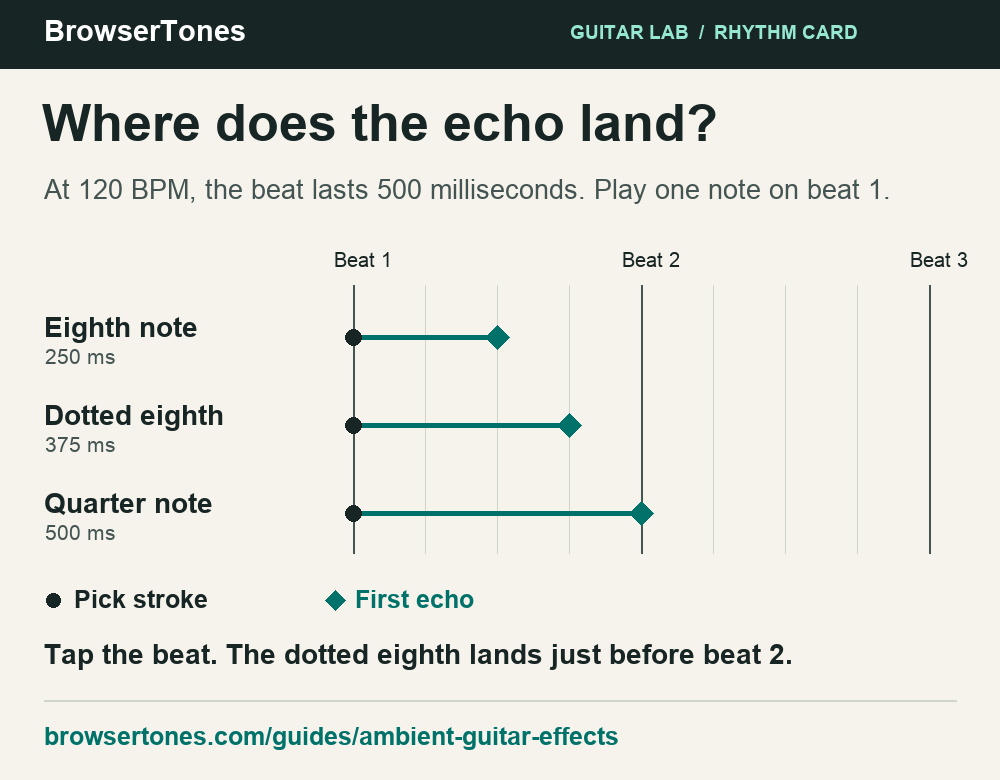
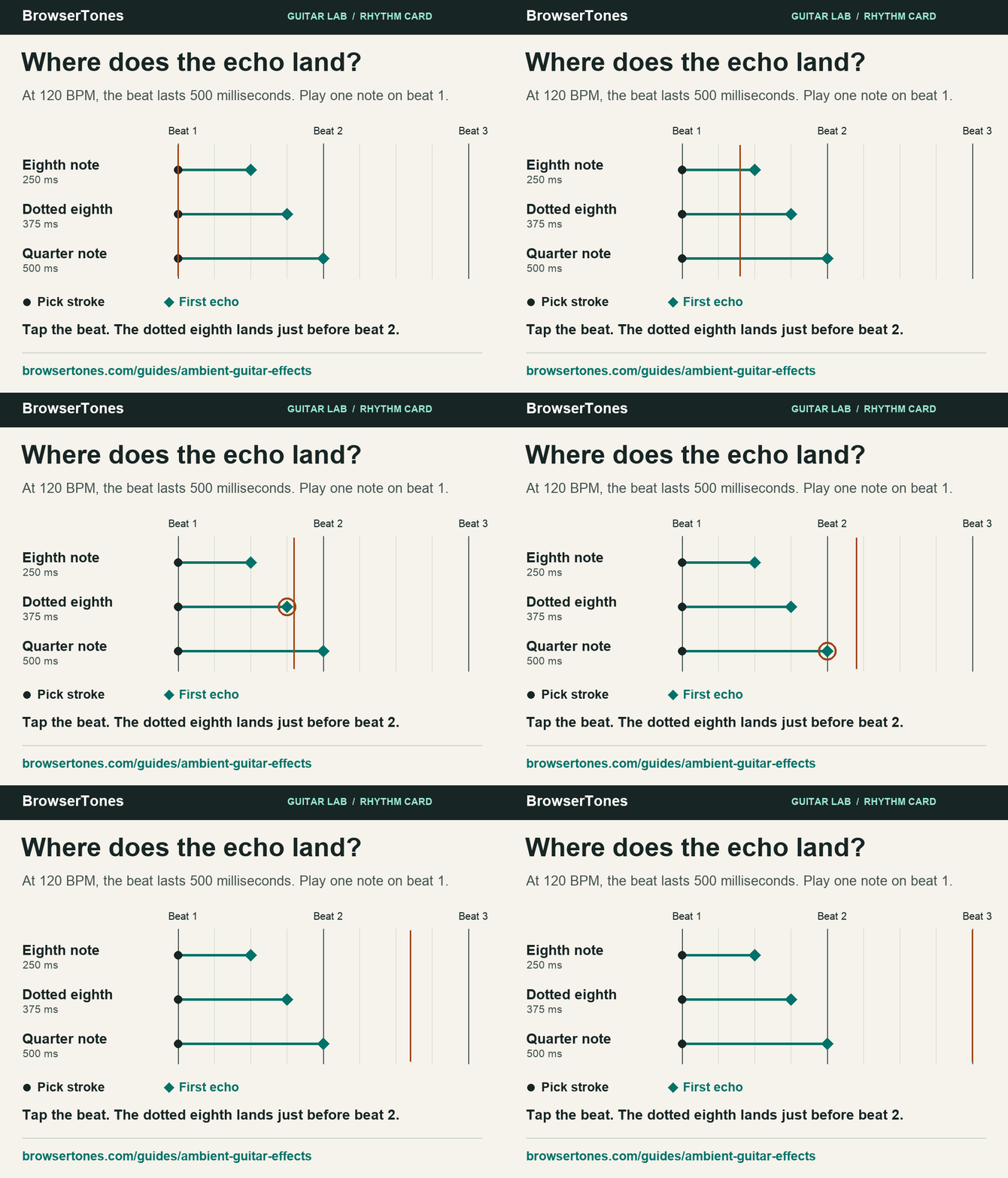
For a lesson or article, download the rhythm card (PNG) or save the offline calculator (ZIP). You’re welcome to share them. Suggested source: BrowserTones’ ambient guitar lesson.
Leave room for the next chord
Play two chords and mute the first before changing. If the pick already sounds distant, type Keep the delay time. Lower the reverb mix.
If the pick is clear but the old harmony lingers, ask Keep the delay. Shorten the reverb decay.
Choose Apply prompt after each request and repeat the phrase. For a slow swell, soften the attack with your guitar volume and leave more space between voicings. A dense arrangement often needs fewer repeats than the same part played alone.
Make a dream-pop part move without burying it
Try a little chorus on a clean, steady eighth-note part. Check that you can still tap the rhythm while the modulation moves underneath. If you want the guitar to fill the whole background, use the shoegaze texture comparison. If a timing request changes the wrong thing, see three tested prompt refinements.
Try a 250 ms echo in BrowserTones
By BrowserTones · Updated